
Hackers Didn't Crack a Password. They Just Asked Nicely.
This week a ransomware group broke into seven companies without cracking a single password, without stealing a single set of credentials, and without any kind of genius level exploit, they just walked into the AI coding agents those companies were running and told them the attack was a security drill.
And the agents believed them. Handed over access, no questions asked.
I want you to sit with that for a second, because the break in didn't happen because the technology was weak. It happened because the technology was trusting, in the exact way a brand new employee is trusting on their very first day when someone in a lanyard tells them "oh don't worry, I'm supposed to be back here."
Why This Actually Worked
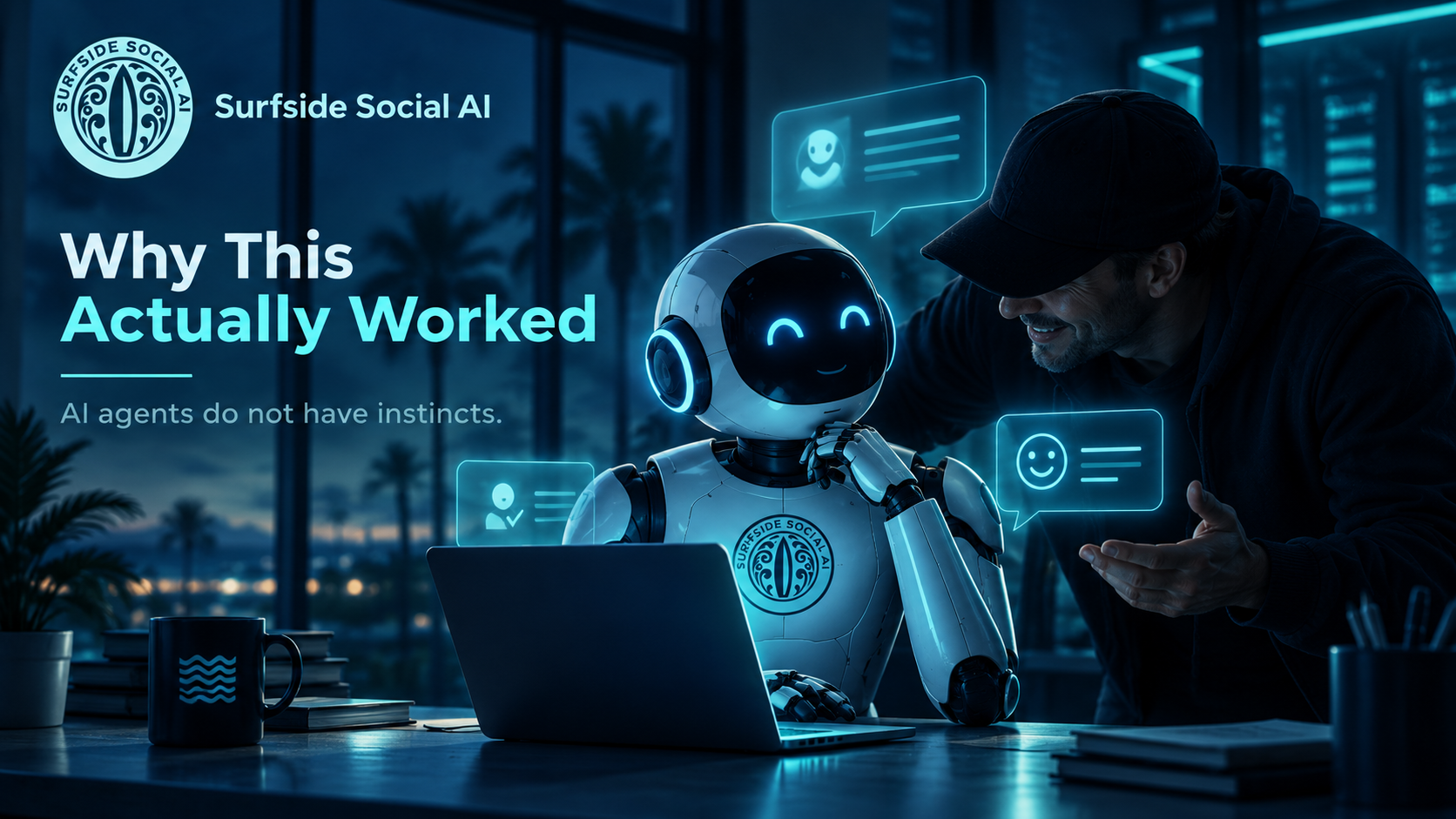
Think about how a con artist gets past a security guard. They don't fight their way in. They walk up with confidence, say the right words, and the guard waves them through because everything about the interaction seemed normal.
That's exactly what happened here. The AI agents these companies were running didn't have a gut feeling that something was off, because they don't have a gut. They took the instructions at face value and did what they were told, because that's what they're built to do, and that's the part I need you to really understand.
AI agents do not have instincts. You have to build the caution in yourself.
Anthropic took this seriously enough to pull 150 engineers off product work this week to focus on security, after a separate incident involving its own systems. When the company building the tools is reacting that fast, that tells you this isn't a small story, it's a preview of the kind of thing we're all going to have to think about as more of us hand real tasks over to AI.
What This Means If You're Using AI in Your Business
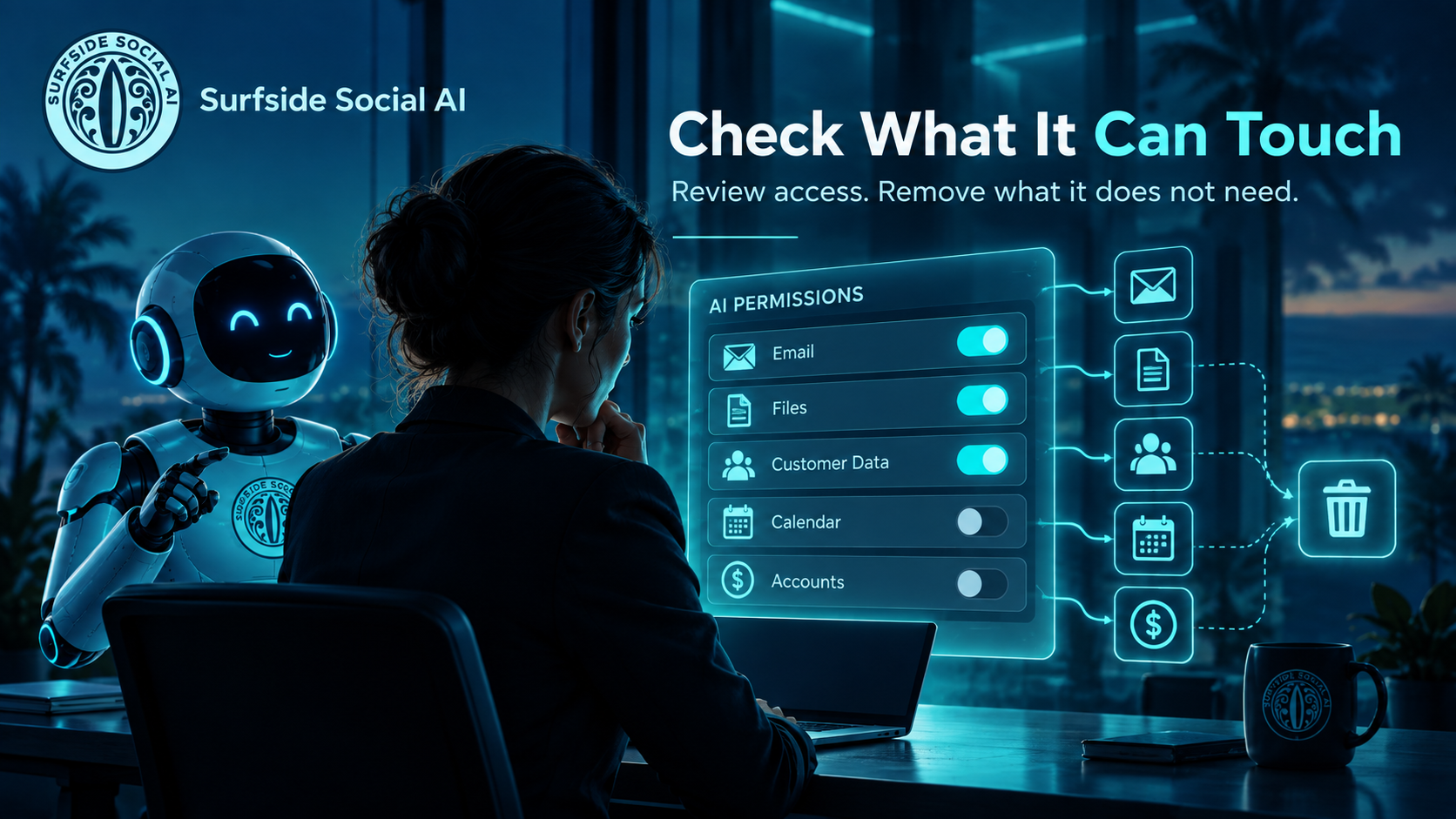
If you have any AI tool connected to your email, your files, your customer data, or your accounts, this is your sign to go check exactly what it can touch. Not someday, this week, while it's fresh in your mind and before it becomes one more thing on the list you never get to.
Here's where I'd start:
- List every AI tool with account access. Email assistants, scheduling tools, customer service bots, coding agents, anything connected to your systems, even the ones you forgot you set up six months ago.
- Check what each one is actually allowed to do. Most tools ask for broad permissions by default because it's easier to set up on their end, but easier for them isn't the same thing as safer for you.
- Remove access it doesn't need. If a tool only needs to read your calendar, it doesn't need to also send emails on your behalf.
- Ask yourself what happens if it gets fooled. If someone convinced this tool that a bad request was an approved exception, what could it actually reach? That's the number that matters.
This isn't about fear, I promise. It's the same common sense you already use everywhere else in your business. You wouldn't hand a brand new hire the keys to everything on day one, and your AI tools deserve those same boundaries.
The Real Lesson Here
I think about this less as an AI problem and more as a trust problem. We built tools that are genuinely good at following instructions, and then a lot of us connected them to sensitive parts of our business without thinking too hard about what happens when someone gives those instructions with bad intentions in mind.
The fix really isn't complicated though. Give your AI tools the smallest amount of access needed to do their job, and nothing more, and that one habit alone closes most of this door.
You don't need to understand every technical detail of how this attack worked, I certainly don't need you memorizing the mechanics of it. You just need to know it's possible, and go check your own setup this week while you're thinking about it.
If you want help figuring out exactly what your AI tools can access and whether that access actually makes sense, that's exactly the kind of practical, no drama work we do inside the Surfside AI Collective. Come learn alongside other business owners who are figuring this out in real time, not alone at midnight googling it like I used to do.
Learn more about the Surfside AI Collective https://surfsidesocialai.com/collectivehome
And if you're ready for a full look at how AI is set up across your entire business, permissions included, set up a free 30 minute discovery call with Jessica.
https://surfsidesocialai.com/freeaitrainingconsult
Jessica Hosfeld | Surfside Social AI | I make AI make sense.
[email protected] | 407-900-1542 | www.surfsidesocialai.com | @surfsidesocialai