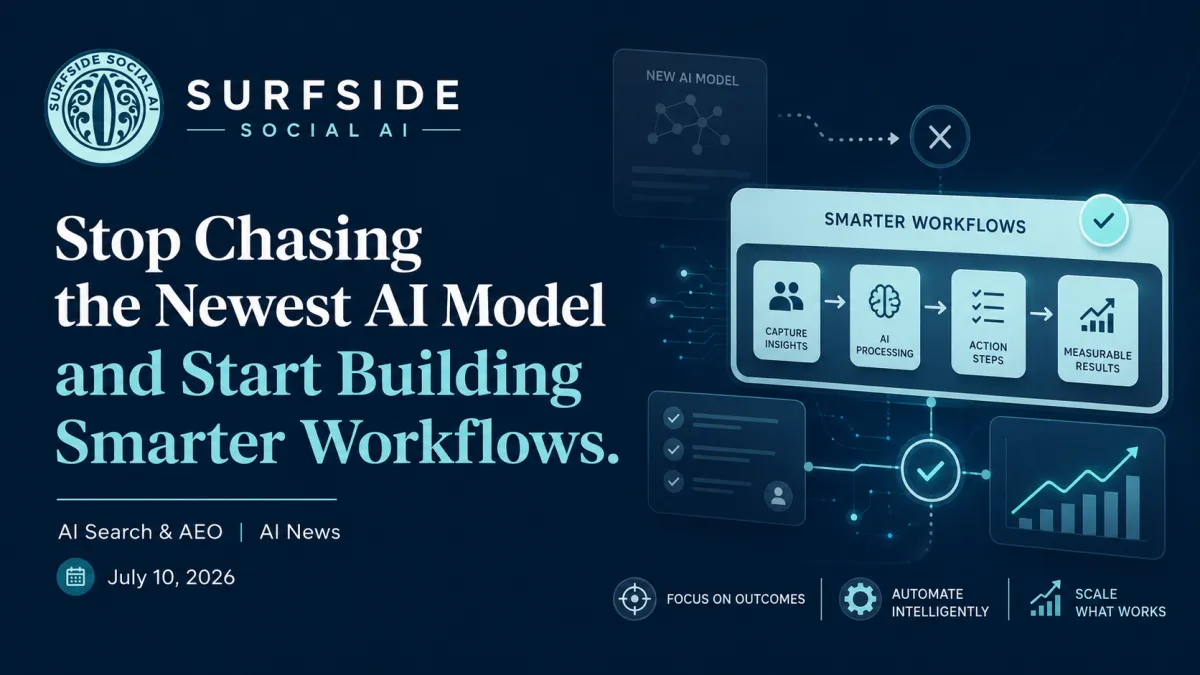
Stop Chasing the Newest AI Model and Start Building Smarter Workflows
The AI world got loud this week.
Three major AI model launches dropped in just two days. OpenAI, SpaceXAI, and Meta all made big moves. Prices shifted. New productivity tools appeared. Meta rolled out a new image generator with a privacy concern business owners should not ignore.
But underneath all of that noise, there was one clear lesson for small business owners: the tool you use matters far less than how you use it.
If you are trying to figure out which AI model is “the best,” you may be asking the wrong question. The better question is not which tool you should use forever. The better question is where AI actually fits inside your workflow.
The $15,000 AI Mistake
This week’s stat is one every business owner should pay attention to.
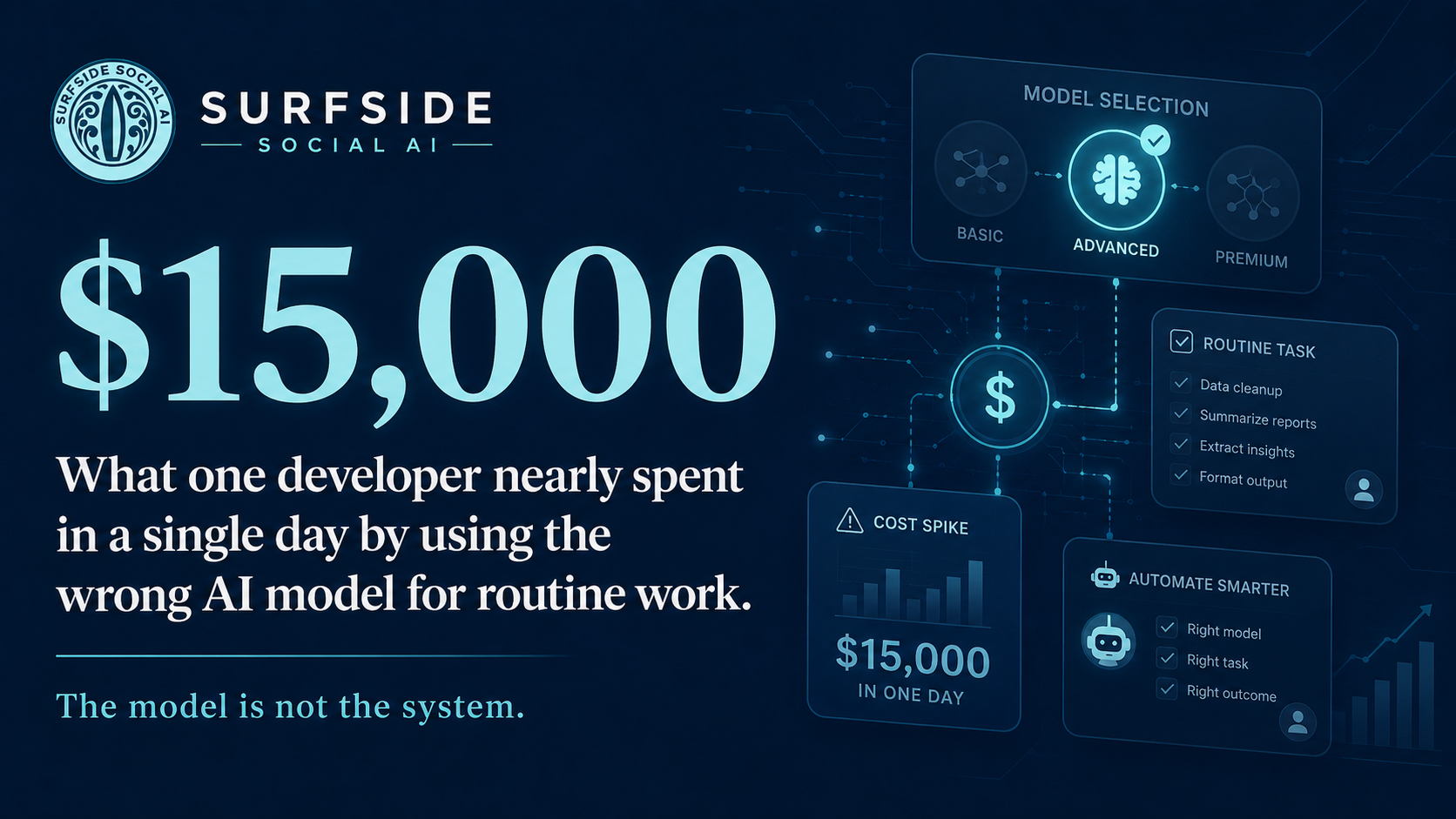
One developer nearly spent $15,000 in a single day by using the wrong AI model for routine tasks. That is an extreme example, but the lesson applies to businesses of every size.
You do not need the most powerful or most expensive AI model for every single task. Some work may need a stronger model. Strategy, planning, deep analysis, and complex decision-making may deserve your best tool.
But routine work is different. Formatting, summarizing, cleaning up notes, drafting simple emails, organizing information, and repetitive execution tasks often do not need the most advanced model available.
When you use the wrong tool for the wrong job, you either waste money, waste time, or make AI feel more complicated than it needs to be.
The model is not the system.
What Actually Happened This Week
Three major AI model launches dropped in 48 hours, and the price war is officially on.
OpenAI released its new GPT-5.6 family, including Sol, Terra, and Luna, along with a new tool called ChatGPT Work. ChatGPT Work can connect to Gmail, Google Drive, Slack, and your calendar to help handle real tasks like drafting documents and updating spreadsheets on a schedule.
That same week, SpaceXAI released Grok 4.5, a model positioned to compete with OpenAI’s best while costing significantly less per use. Meta also jumped back in with Muse Spark 1.1, priced at roughly a quarter of what some competitors charge.
The bottom line is simple: frontier AI is getting more affordable, and the competition between these companies is moving fast.
For small business owners, that is good news. If you have been holding off on using AI tools because of cost, the barrier to using AI for everyday business tasks is getting lower.
But it is also a warning. Trying to chase every new launch will burn you out fast. You do not need to try every new thing. You need to pick one tool, learn it well, and let the price competition work in your favor over time.
Why ChatGPT Work Matters
One of the biggest announcements this week was ChatGPT Work.
OpenAI launched ChatGPT Work as a productivity tool that connects directly to apps many businesses already use, including Gmail, Google Drive, Slack, and your calendar.
That matters because this is not just AI sitting in a chat window waiting for you to type a question. This is AI moving closer to the systems where your actual work already happens.
It can create documents, spreadsheets, and presentations by pulling context from those sources. It can also run on a schedule, which means it can monitor Slack, refresh meeting agendas, or update a report while you are focused on other things.
For a small business owner, this is one of the clearest steps toward having an AI assistant that understands your existing systems and helps with repetitive, time-consuming work without needing complex software setup.
This is the kind of tool worth watching. Not because it is flashy, but because it can save real hours.
The moment AI can sit inside your actual workflow, not just a chat window, is the moment it starts becoming a practical assistant instead of a novelty.
The Meta Privacy Concern
Meta also launched its first in-house AI image generator, Muse Image, and there is an important privacy detail business owners should not ignore.
The tool allows users to @-mention a public Instagram account inside an AI prompt and use that person’s real photos as visual reference.
The concern is consent.
For public accounts, this appears to be turned on by default, meaning many people may not realize their photos can be used this way unless they go into their settings and turn it off.
If you have a public Instagram account for your business or personal brand, this matters. Your face, your brand photos, your team photos, and your visual identity are part of your business. You should know where they can be used and how they can be reused.
A business owner should not have to hunt down a setting to protect their own image, but this is where we are. Check your Instagram privacy settings this week. It takes two minutes, and it matters.
The Bigger Lesson: Stop Picking Favorites
With new models releasing almost daily, it is tempting to ask which one is best.
But the real skill is not knowing which AI model is best today. The real skill is building a workflow that does not fall apart when the tools change tomorrow.
Model names will keep changing. Prices will keep shifting. New tools will keep launching. Features will come and go.
Your business process should not fall apart every time that happens.
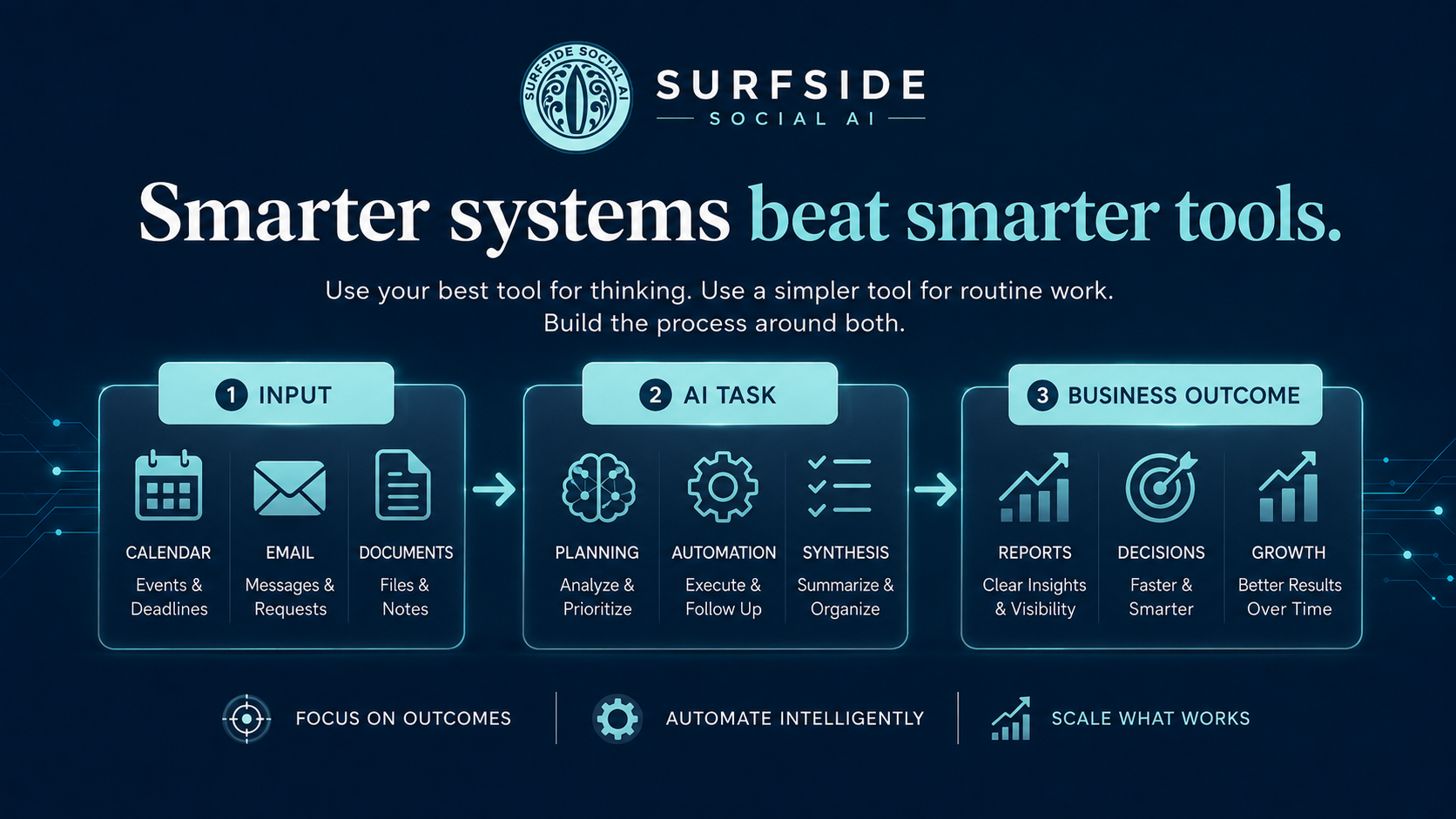
A smarter way to use AI is to think in layers. Use your most capable AI tool for planning, strategy, decisions, and complex work. Use a cheaper, faster, or simpler tool for routine execution. Then build a repeatable process around both.
That is where AI becomes useful. Not when you have the newest tool, but when you have a clear workflow it can plug into.
What This Means for Your Business
You do not need to use the most expensive or most talked-about AI tool for every task.
You do not need to test every new launch. You do not need to become an expert in every model. You need to get clear on what you are actually trying to improve.
Where are you losing time? What tasks do you repeat every week? What work keeps getting pushed off because it feels too tedious? What part of your business could move faster if the first draft, first summary, first outline, or first pass was already done?
That is where AI belongs.
Not as a magic button. As part of a process.
Building AI Into Your Business the Right Way
This is exactly why I do not teach AI as a single tool problem. I teach it as a way of thinking about your business.
The tools will keep changing. New models will launch, prices will shift, and features will come and go. What does not change is the value of a business owner who understands how to evaluate a tool, use it well, and build a workflow that does not depend on chasing every shiny new release.
The business owners who win with AI will not be the ones who try every tool first. They will be the ones who know what they are trying to solve, choose the right tools for the right jobs, and build systems that keep working even when the technology changes.
You do not need the smartest model for every task. You need a clear process that AI can plug into.
If you want help thinking through where AI actually belongs in your business and how to build practical workflows that save time without adding overwhelm, that is exactly what we work through inside the Surfside AI Collective.
Come learn more here:
https://surfsidesocialai.com/collectivehome
Want more AI news like this? Add Surfside Social AI as a Google Preferred Source so our updates are easier to find in your Google AI search results.
Link:
https://google.com/preferences/source?q=surfsidesocialai.com
Jessica Hosfeld | Surfside Social AI | I make AI make sense.
[email protected] | 407-900-1542 | www.surfsidesocialai.com | @surfsidesocialai