AI Agents for Small Business: What to Hand Off First
Most business owners do not have a time problem. They have a follow up problem. The invoice that never got chased, the inbox that never got triaged, the weekly report that gets built at 9 p.m. on a Sunday. This week, OpenAI launched a tool built for exactly that kind of work, and the question is no longer whether AI can do it. The question is what you should trust it with first.
QUICK ANSWER
An always on AI agent is software that keeps working on a task between conversations and contacts you only when it needs a decision. For small businesses, start with repetitive, low risk work like inbox monitoring, invoice follow ups, and weekly reports, and require your approval before it sends, spends, or deletes anything.
What is an always on AI agent?
An always on AI agent is an AI that keeps working after you close the chat window. A regular chatbot waits for your question, answers, and stops. An agent takes a goal, works on it in the background, and checks back with you when it reaches a decision point.
Think of the difference between asking a colleague a question and handing a colleague a project. The first is a conversation. The second is delegation.
What did OpenAI announce with Dots?
OpenAI introduced Dots at its DevDay event on September 29, 2026. Dots are always on agents inside ChatGPT. Reports at launch say they can work in the background, reach you through tools like Slack and Teams, and come back to you when they need your judgment.
Access depends on your plan. Launch coverage points to ChatGPT Pro and Business Premium plans, with a first Dot included, and an admin controlled beta for Enterprise workspaces. Free, Go, and Plus plans were not included at launch. OpenAI has also said it plans to add more Dots and let them work together later. Plans, pricing, and limits can change quickly, so check OpenAI's official pricing page before you decide anything.
The announcement is the context. The skill you build from it is delegation, and that applies to any agent, from any company.
What should a small business hand to an AI agent first?
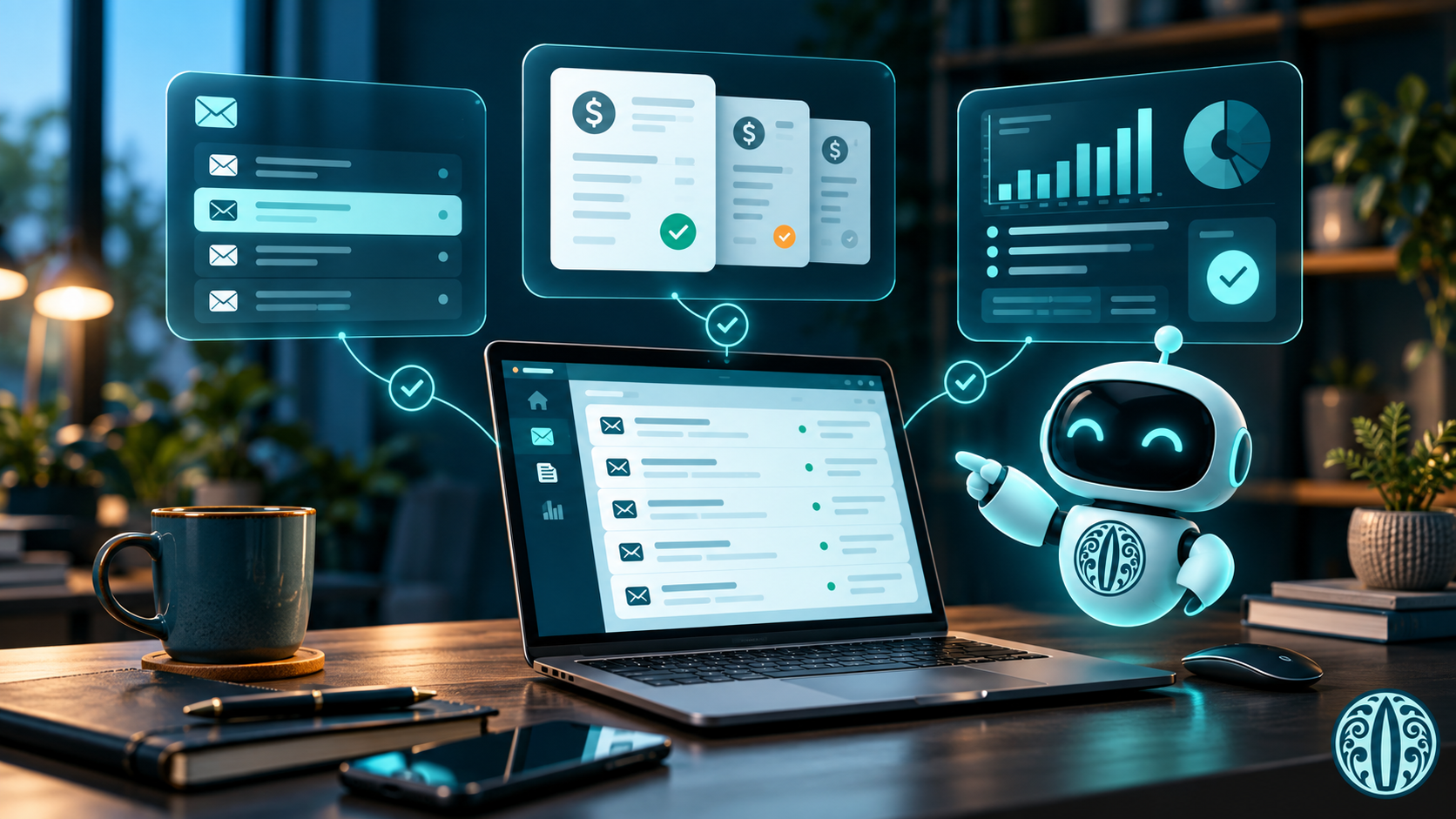
Start with work that is repetitive, rule based, and easy to check. Good first candidates:
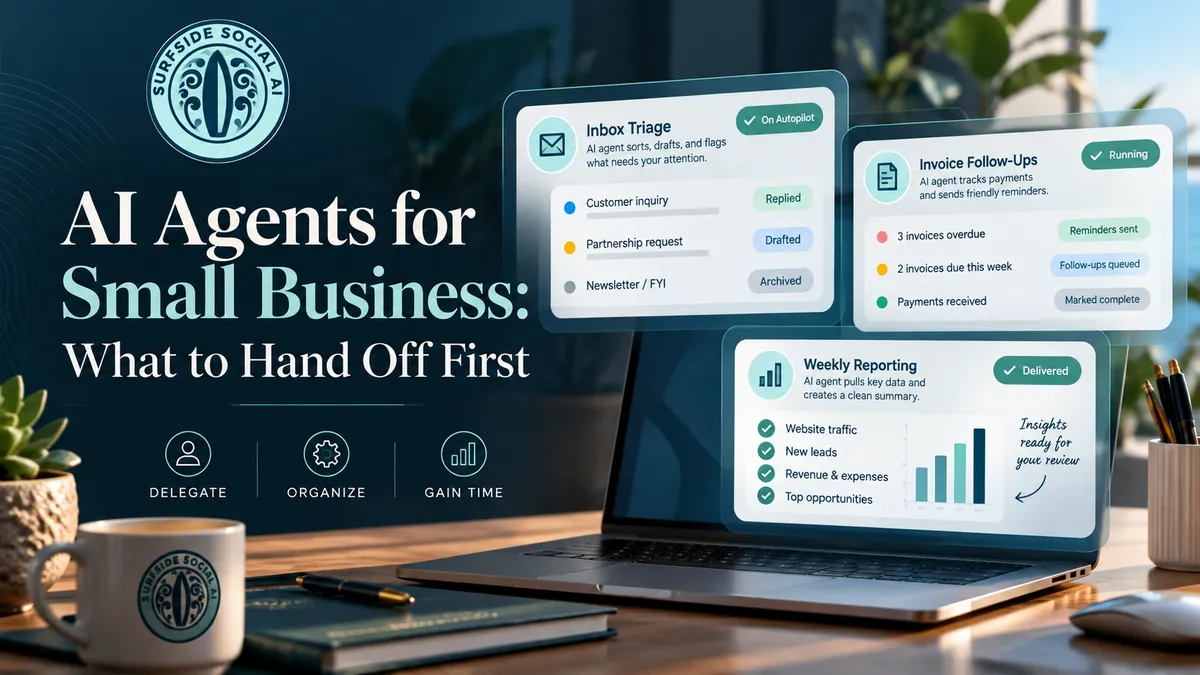
• Watching your inbox for specific emails, such as new lead inquiries or vendor invoices
• Drafting follow ups on unpaid invoices for you to approve
• Pulling together a weekly report from data you already track
• Running background research on a competitor, a vendor, or a topic
• Chasing down routine requests, like a billing error or a refund status
Hold off on anything that is hard to undo or that speaks for your reputation. Final client communications, pricing changes, payments, and deleting records should stay with you until the agent has earned your trust on smaller tasks.
How do you set up an AI agent safely?
Set your rules before the agent starts working, not after something goes wrong. Here is a simple process you can use with any agent.
1. Write down the job in one sentence. If you cannot describe the task clearly, the agent cannot do it well.
2. List what the agent is allowed to do. Reading email is different from sending email. Viewing a spreadsheet is different from editing it.
3. List what always needs your approval. Sending anything to a client, spending money, and deleting anything belong on this list.
4. Limit what it can see. Connect only the apps and folders the task actually requires.
5. Review its work daily for the first two weeks. Look at what it did, what it skipped, and what it got wrong.
6. Expand slowly. Add one new task at a time, only after the last one runs cleanly.
Keep these rules in a short document your team can find. If an employee leaves or a tool changes, you will know exactly what each agent was allowed to do.

What are the risks of delegating to an AI agent?
The main risk is not that the agent fails loudly. It is that it works confidently in the wrong direction while you are busy elsewhere.
Agents can misread an instruction, act on bad information, or take an action you did not mean to authorize. The more access you give one, the larger that mistake can get. There is also the question of where your data goes. Before you connect business accounts, read the tool's privacy and data settings, and make sure you know who on your team controls the connection.
Regulators are paying attention to AI companies right now, and the rules around agents are still taking shape. You do not need to wait for clarity to be careful. Documenting what your tools can do, what needs approval, and where data flows is a smart habit today and a useful record tomorrow.
Do you need OpenAI Dots to delegate work to AI?
No. Dots are one option, and they sit behind paid plans. The delegation habits in this post work with any agent, whether it comes from OpenAI, Anthropic, Google, Microsoft, or an automation platform you already use. The tools are improving fast and competing hard. Choose the one that fits your workflow, your budget, and your comfort with the controls it gives you.
JESSICA'S TAKE
This is the shift I have been talking about all year. We are moving from using AI like a search engine to delegating real work to it.
Who should try this now: owners and teams with a clear, repetitive task, a person who will review the output, and the discipline to write down the rules first.
Who should wait: anyone hoping to hand off messy, high stakes work with no oversight. An agent will not fix a process that is not defined.
What to watch for: access creep. It is easy to keep connecting more apps because the first task went well. Add access on purpose, not out of excitement.
TAKEAWAY
AI is moving from answering questions to doing work, and the owners who benefit will be the ones who delegate on purpose. Start with one small, low risk task, set your approval rules in writing, and expand only when the results earn it.
Ready to put AI to work in your business with clear rules and real support behind you? Join my Surfside AI Collective: https://surfsidesocialai.com/collectivehome
FAQ
What is OpenAI Dots?
OpenAI Dots are always on agents inside ChatGPT that keep working on tasks in the background and reach out when they need a decision. They launched on September 29, 2026, and are tied to certain paid plans.
How much do OpenAI Dots cost?
Dots do not have a separate price in launch coverage. A first Dot is reported to be included with certain paid ChatGPT plans, and plan details have been changing. Check OpenAI's pricing page for current information.
Is it safe to let an AI agent run my business tasks?
It can be, if you limit what it can access and require your approval for anything that sends, spends, or deletes. Start with low risk tasks and review the agent's work often at first.
What is the difference between an AI chatbot and an AI agent?
A chatbot answers when you ask and then stops. An agent works toward a goal over time, can use connected tools, and checks in with you when it needs a decision.
What tasks should a small business automate with AI first?
Start with repetitive, easy to review work such as inbox monitoring, invoice reminders, weekly reports, and background research. Keep high stakes and hard to reverse tasks under your control until you trust the process.
Book your free AI training consultation:
https://surfsidesocialai.com/freeaitrainingconsult
Jessica Hosfeld | Surfside Social AI | I make AI make sense.
[email protected] | 407-900-1542 | www.surfsidesocialai.com | @surfsidesocialai